A Digital Save the Date That Builds Your Guest List
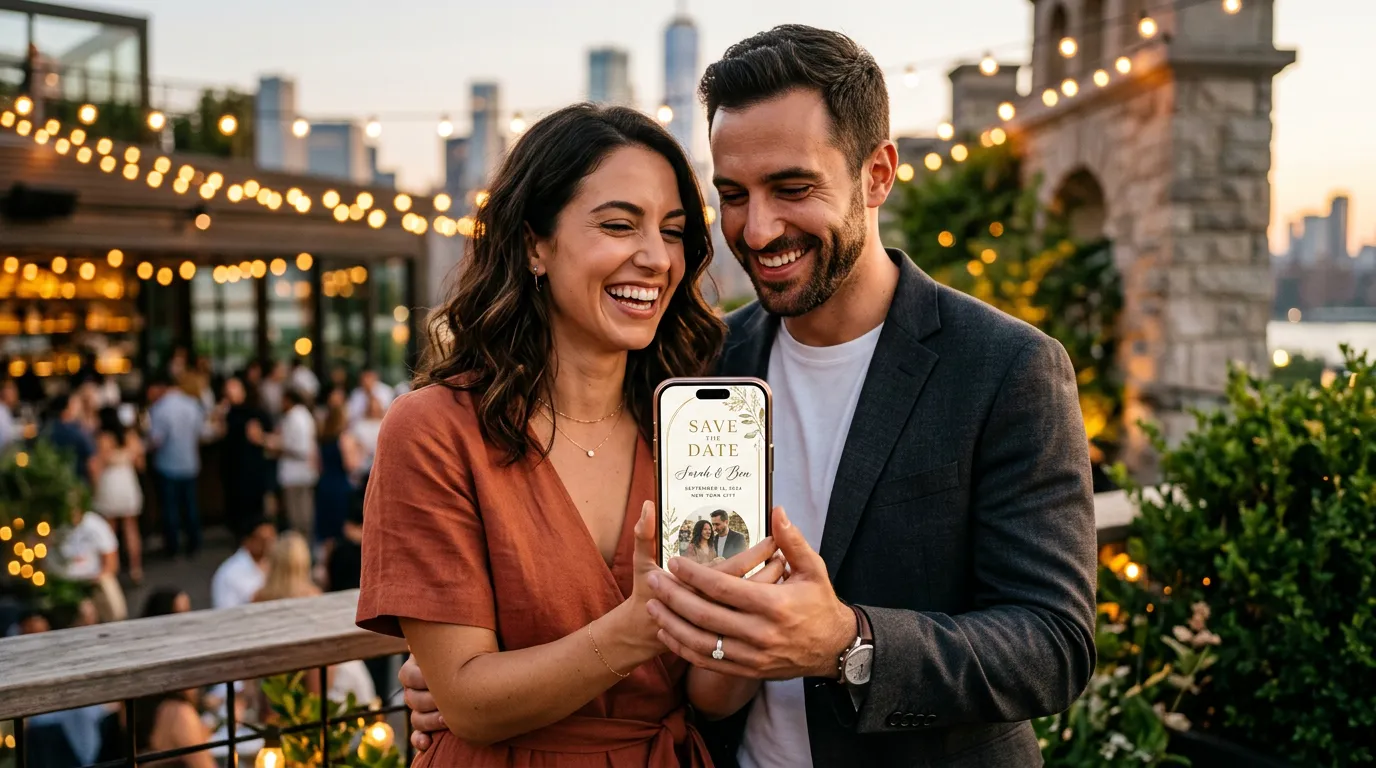
One link, sent on WhatsApp. Guests save the date and hand you their details while they are there.
- Each person a guest is bringing leaves their own name, email and phone number, so a plus one is a contact rather than a tally mark.
- Every reply lands in your guest list, so by the time the invitations go out the list is already built.
How it works
Set your date
Add the date and the events around it. The page takes its look from your wedding theme.
Send it where you already talk
Send it on WhatsApp, in the family group chat or by email. Guests tap it, see your date and answer on the spot.
Your guest list fills in
Guests leave a name, an email and a phone number, for themselves and for everyone they bring. It all goes into your list.
Everything you need
One Link, Sent However You Talk to People
WhatsApp, the family group chat, a work email, an Instagram message. Guests tap it, see your date, and answer in about twenty seconds.
It Collects the Details While They Reply
Guests leave their name, email and phone number, and then the same three things for everyone they are bringing. You stop chasing your cousin for an address she has changed twice.
Straight Into Your Guest List
Every response feeds the master list. Nothing gets retyped, nothing gets lost in a group chat, and the list is ready when the invitations are.
A Confirmation With the Date Attached
Guests get an automatic confirmation email, and the calendar file comes attached to it. One tap and your date is in Google Calendar, Apple Calendar or Outlook.
The Friday and the Sunday Too
Welcome drinks on the Friday, the wedding on the Saturday, lunch on the Sunday. Each event carries its own date, time and place, so guests book the right nights instead of guessing.
It Matches What Comes Next
The save the date, the wedding website and the invitations are built from one theme, so the first thing guests see already looks like the wedding they are coming to.
A Running Count of Who Has Answered
See who has replied and roughly how many people you are dealing with, months before anyone has to give a venue a number.
No Postage, No Reprints
Nothing to print, nothing to address by hand, and no second run because a surname was spelled wrong. Corrections take a moment and cost nothing.
Free at 40 Names or 400
Sending your save the date and collecting details costs nothing, with no per guest fee at any size. Printing and posting a hundred and forty cards is not free.
See it in the app
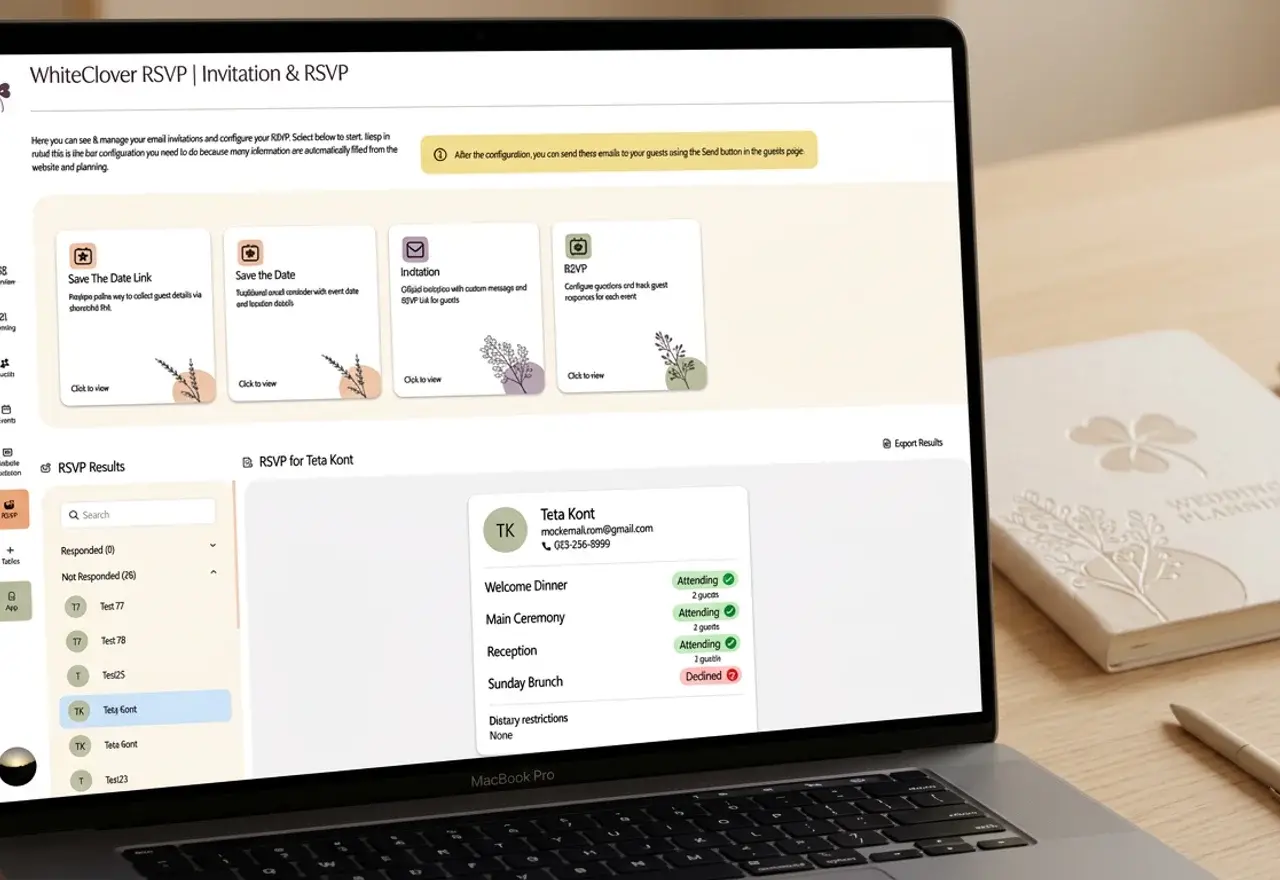
The save the date link comes first, months before you think about invitations.
A card per event, a checklist of what is left to do, and a running count of who has answered.
Set the dates, times and places once, and guests see the schedule they need to book around.
What it costs
- Free
- The save the date page and the details guests leave on it are free.
- Optional extra
- Sending the link by SMS costs €0.30 per recipient, bought from 25 at a time.
Frequently Asked Questions
It is an online page you send guests to announce your wedding date before the formal invitations. Unlike a printed card, it also collects contact details as guests reply, so your guest list gets built at the same time as your date gets locked in.
Nine to twelve months before the day. In the UK and Ireland go earlier again for a bank holiday weekend or a date inside the school holidays, and twelve to eighteen months if guests are flying, because they need to book time off and somewhere to stay before the local rooms go.
Anywhere with a web browser. Couples send these in the UK, Ireland, Australia, Canada and the United States, and for destination weddings in Greece and Italy. There is nothing to install, no address format to fight with, and no country the page will not open in.
A save the date asks guests to keep the day free, an invitation asks them to commit. The save the date goes out first with just the date and the place, and the invitation follows later with the times, the RSVP and everything else. Contacts collected by the first one populate the second.
Yes. Creating your save the date, sharing it and collecting guest details costs nothing. There is no per guest fee, no trial and nothing that starts charging once the replies pile up.
Names, emails and phone numbers, and the same three for each person a guest is bringing. That last part is the useful bit: you end up able to contact a plus one directly rather than having a row in your list that just says plus one.
No, and most couples now send one or the other rather than both. If you want something for the fridge, send the digital one first to lock the date in and spend the printing budget on the invitations, where the card is doing more work.
Not postal addresses, no. The form collects names, emails and phone numbers, which is what you need to send the invitation itself digitally or by text. If you are posting invitations, you will need to ask for addresses separately.
It arrives attached to their confirmation email as a standard calendar file, so one tap puts it into Google Calendar, Apple Calendar or Outlook. They do not have to remember to do it later, which is when most people forget.
Nothing breaks, because a save the date is not an RSVP. A name on the list is a contact detail, not a headcount. The real yes or no comes later with the invitation and the RSVP form, and plans change between the two more often than couples expect.
Yes. Edit the page and the link stays the same, so anyone opening it afterwards sees the new date. Guests who already saved the old date will need telling separately, because a calendar entry on their phone belongs to them and cannot be edited from here.
It can, like any email. Sending the link on WhatsApp or by text avoids the problem altogether, which is why most couples share it that way and keep email as the fallback for the guests who do not use messaging apps.
No. They tap the link, fill in a short form and close it. Nothing to install, no password to invent, and nothing that assumes they are comfortable with new software.
Yes. The same page works for a christening, an engagement party, a big birthday or a work event. Anything where you want to fix a date early and gather contact details before you plan the rest.
They go into your guest list on your dashboard, ready for the invitations. You can see them, edit them and export them, and they are attached to your wedding rather than pooled anywhere else.
Explore more
Wedding Website
The full page your save the date leads to, free for up to 3,000 guests
Digital Invitations
The next step, with the RSVP built in
Wedding RSVP
Your own questions, a separate answer per event
Guest List Manager
Everything the save the date collected, in one place
SMS Invitations
Reach guests on their phone when email is not working
Wedding and Christening
Two events, one guest list, one link
Experience App
Private photo sharing for the day itself
Pricing
What is free, and the short list of what is not
What couples say
Having everything in one place from a modern website, to invitations guest lists and schedules, saved us so much time… The standout feature for us, though, was the in-built photo app… Our guests loved it and we did too!!We used Whiteclover for our son’s christening and our wedding, and it was absolutely wonderful! The platform was super easy to use and allowed us to add a personal touch by sharing our story on the invitations…Instead of chasing people for responses or sending endless messages, everything is centralised and easy for guests to access… Even family members who aren’t very tech-savvy can use it without any confusion.Send your save the date today
One link, free at 40 names or 400. Your guest list is built by the time the invitations go out.