A Free Wedding Website That Runs the Whole Day
One link for your guests: every event with its own time and place, the RSVP, and the photos afterwards.
Guests answer each event separately, and one person can reply for the whole household in a single pass.
Free, with no charge per guest and no trial. A 40 guest register office wedding costs the same as a 180 guest weekend, which is nothing.

Everything you need
Every Event, With Its Own Place and Time
Welcome drinks on the Friday, the ceremony, the reception, brunch on the Sunday. Each one carries its own date, start time and location, and guests see the schedule in order.
A Separate RSVP for Each Event
Guests say yes to the ceremony and no to the brunch, and you get a headcount for each rather than one number that hides the detail. Invite different people to different events from one list.
One Reply for a Whole Household
A guest answering for their family fills in the first person, then copies those answers down the rest of the household. Four people, one pass, no half-finished forms.
Ask Your Own Questions
Add questions of your own to the RSVP, as a set of options or as free text. Which night they are staying, whether they need a lift from the station, anything you would otherwise chase by message.
Answers Where Guests Look for Them
The FAQ section on your site is yours to fill in. Parking, the nearest station, where to stay, whether children are invited: the questions that would otherwise arrive one at a time by text.
Photos Your Guests Take
Guests scan a QR code and upload photos and videos to a private gallery. Nothing to download, no account to make, and nothing posted publicly.
One Guest List Behind It All
Every reply updates the master list. Group families, handle plus ones, and export the list when your caterer asks for final numbers a fortnight out.
Start With a Save the Date
Announce the date months ahead and collect names, emails and phone numbers while guests are still thinking about it, so the list builds itself before you write a single invitation.
Then the Table Plan
Drag tables onto a floor plan, seat guests from the replies you already have, and export it as a PDF or a spreadsheet for the venue.
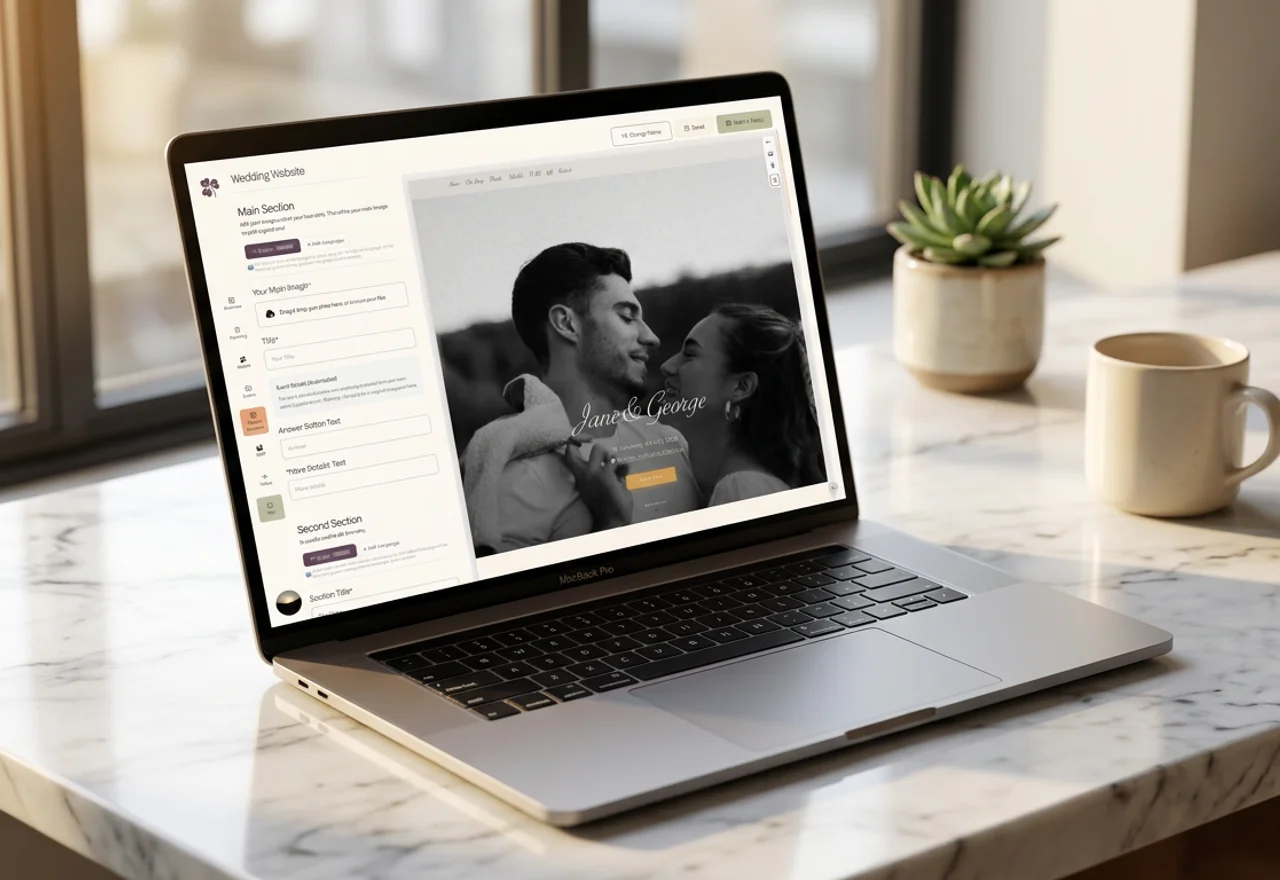
Build It Yourself
Fill in a section, watch it appear. No code, and nothing that looks like a template from 2012.