A Wedding Seating Chart You Can Finish on Your Phone
Tap a guest, then tap a seat. Couples and families sit side by side, and every move can be undone.
Let it seat everyone who said yes, then fix the two tables your aunt will have opinions about.
Two hours before the party, each guest sees their own table and seat in the guest app.
Everything you need
Tap to Seat, on Any Screen
Tap a guest, then a seat or a whole table. On a laptop you can drag them instead and drop anywhere on the table. Moved or removed the wrong person? Undo puts them back.
Parties Stay Together
Seat one person and their partner, kids and plus ones take the seats right next to them.
Arrange Automatically
Seat only the guests who are still waiting, or reshuffle everyone from scratch. Parties are kept together, and if your tables run out of room, it adds new ones.
Clear and Start Over
Unseat everyone and keep your tables, or remove the tables too. Either way you can undo it straight after.
A Proper Map on Your Phone
Pan the floor plan with one finger and press and hold a table to move it. When a table is full, it tells you why a guest won't fit.
Try More Than One Plan
Keep a draft next to the real one, duplicate it, rename it, and make it the default when you decide. One plan per event is free. More plans for an event are €3.99, paid once.
Guests See Their Own Table
From 2 hours before the event, each guest sees their table, seat and plus one, with a small floor plan that highlights where they sit. Nobody sees anyone else's seat.
Email and Push at the Right Time
Turn it on and guests get an email with their table 2 hours before, plus a reminder to share their photos. Guests with notifications on get a push too. You can also send it early to the guests you choose. Free.
Share With Your Venue
Send the venue a link that always shows your default plan, so drafts stay with you. Export a PDF with the floor plan and a list per table, or a CSV, both named after the plan.
Separate Seating for Each Event
Church, reception and the family lunch the next day each get their own seating. Pick the event from "Seating for" at the top and you are working on that one.
Seat Guests From Your Phone
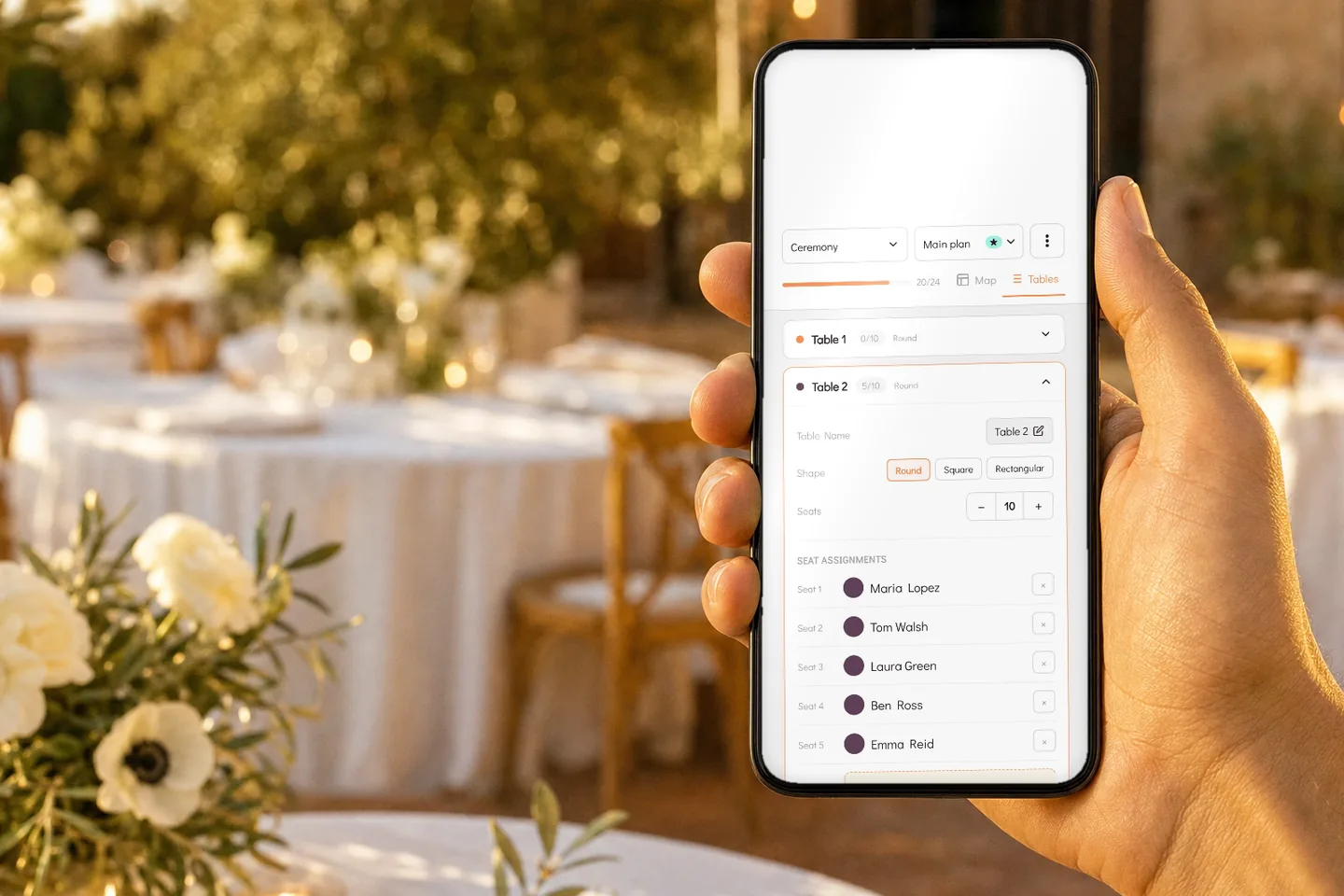
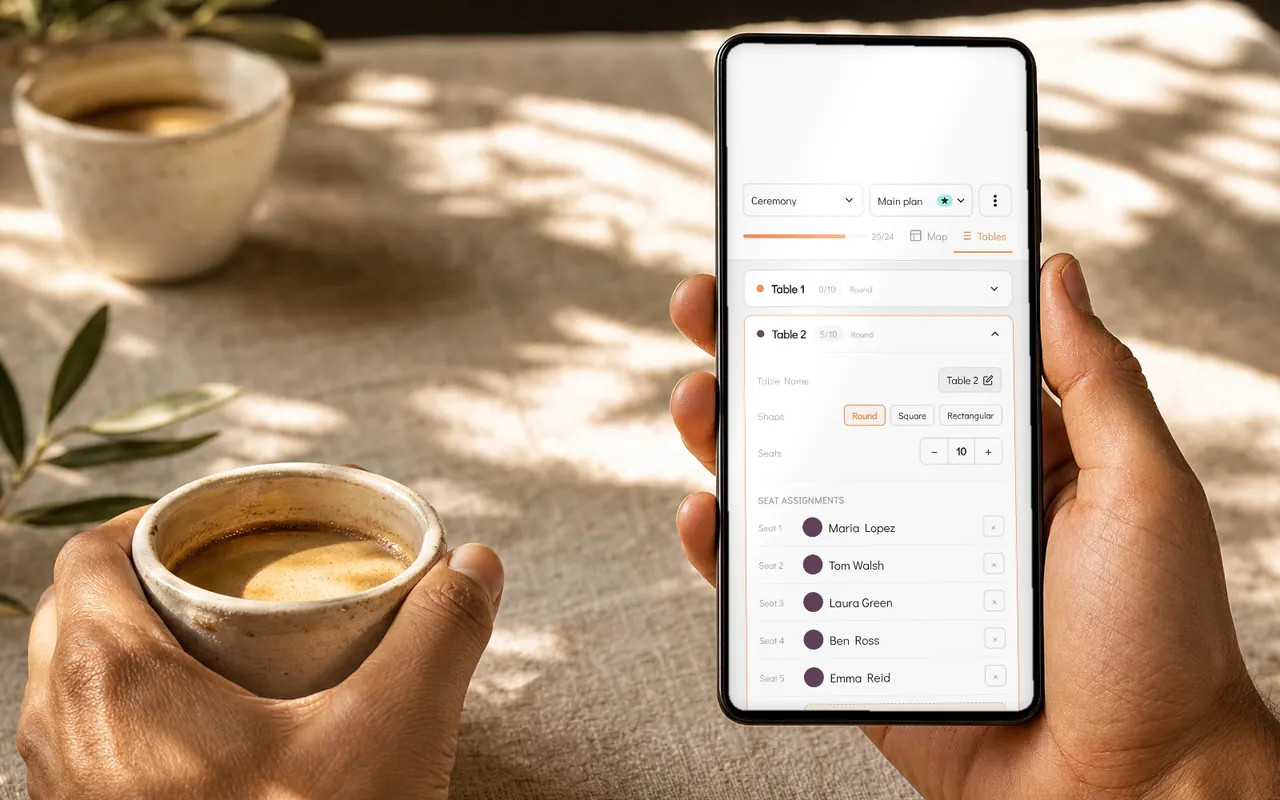
Open a table to see who sits where, change the shape or the number of seats, and remove someone with one tap.