
Advertisement
 Sponsored
Planning a multi-event save the date for a wedding and baptism can feel overwhelming when your guests need clarity, fast updates, and one simple source of truth. Instead of sending fragmented messages for each ceremony, modern couples can now present all key moments in one elegant flow.
With WhiteClover, your main event remains central, while additional public events can also appear in your Save the Date journey. That means fewer misunderstandings, better attendance, and a smoother guest experience from day one.
Plan Your Event
One platform for every occasion: weddings, baptisms, corporate events and private parties.
What Is a Multi-Event Save the Date?
A multi-event Save the Date helps you announce more than one milestone under the same celebration journey. For example:
- wedding ceremony + baptism
- civil ceremony + religious ceremony
- ceremony + reception + next-day brunch
Your guests see what matters most, in the right order, without switching between multiple links, messages, or spreadsheets.
Why Couples Need This Feature
When couples host more than one event, communication usually breaks in three places:
- Timing confusion - guests are unsure which date is the main one.
- Missing details - one event gets shared, another is forgotten.
- Calendar friction - guests add one event but miss the rest.
A multi-event Save the Date solves this by showing all selected events in a single, guest-friendly experience.
Pro tip: Mark only guest-relevant events for Save the Date visibility. Keep internal logistics private to avoid information overload.
How It Works in WhiteClover
WhiteClover keeps the workflow simple and secure:
- Create your main event
Your main event is always included in Save the Date. - Choose additional events to include
You can mark extra RSVP events to appear in Save the Date. - Privacy is protected by design
Events shown in Save the Date must be public, so private planning data stays private. - Share once, collect contacts once
Guests use one contact collector flow, and your guest list is enriched automatically. - Offer calendar actions per event
Guests can download calendar files for every visible event after successful submission. When you are ready for formal responses, our RSVP guide helps you track attendance smoothly.
Real-World Use Cases
Wedding + Baptism in the Same Week
You host your wedding on Saturday and your child’s baptism on Sunday. Guests receive one Save the Date flow, clearly showing both events and their timing. Our wedding and baptism page explains how WhiteClover supports combined celebrations from a single dashboard.
Destination Wedding With Extra Moments
You organise a welcome dinner, ceremony, and farewell brunch. Out-of-town guests can add each event to their calendar, reducing last-minute questions.
Blended Cultural Celebrations
You combine civil and religious ceremonies. Instead of repeating communication manually, you maintain one coherent guest journey from first announcement to RSVP.
Guest Experience Improvements
From the guest perspective, this feature feels effortless:
- one clear page for all visible events
- cleaner invitation context before formal RSVP
- per-event calendar downloads after submission
- fewer missed ceremonies and less back-and-forth messaging
For hosts, this means better confidence that guests understand the full celebration plan.
Host Benefits for Wedding Planning
A multi-event Save the Date is not just a design upgrade. It changes your planning workflow:
- better attendance planning across multiple ceremonies
- fewer support messages asking for repeated schedule details
- faster guest list readiness through one contact collection process
- stronger coordination between invitation stage and RSVP stage
Managing multiple wedding events can quickly become stressful as details multiply and guest communication fragments. This feature gives couples one structured way to present their story and keep everyone aligned.
Discover how WhiteClover’s Smart Save the Date and Contact Collector simplify multi-event wedding planning while keeping communication elegant, centralised, and guest-friendly. Designed for modern couples who want clarity without chaos, WhiteClover helps you organise every meaningful moment in one place. Start your journey at WhiteClover or create your multi-event Save the Date in the dashboard.
FAQ: Multi-Event Save the Date
Can I still have only one main event?
Yes. You still keep one main event. The new capability allows you to include additional public events in the same Save the Date flow.
Can private events be shown in Save the Date?
No. Events displayed in Save the Date must be public, protecting private internal planning details.
Do guests get calendar links for all displayed events?
Yes. After they submit their details, guests can download calendar files for each event shown in the Save the Date success experience.
Is this useful only for weddings and baptisms?
Not at all. It also works for destination weddings, multi-day celebrations, engagement weekends, and other event combinations.
Does this replace RSVP invitations?
No. Save the Date and contact collection happen early. Formal invitation and RSVP flows continue as a dedicated next step.
Recommended Articles
Written by
Marios P
Part of the WhiteClover team, helping couples and hosts plan unforgettable events with modern digital tools. Passionate about simplifying the celebration planning journey.
You Might Also Like
 Invitations
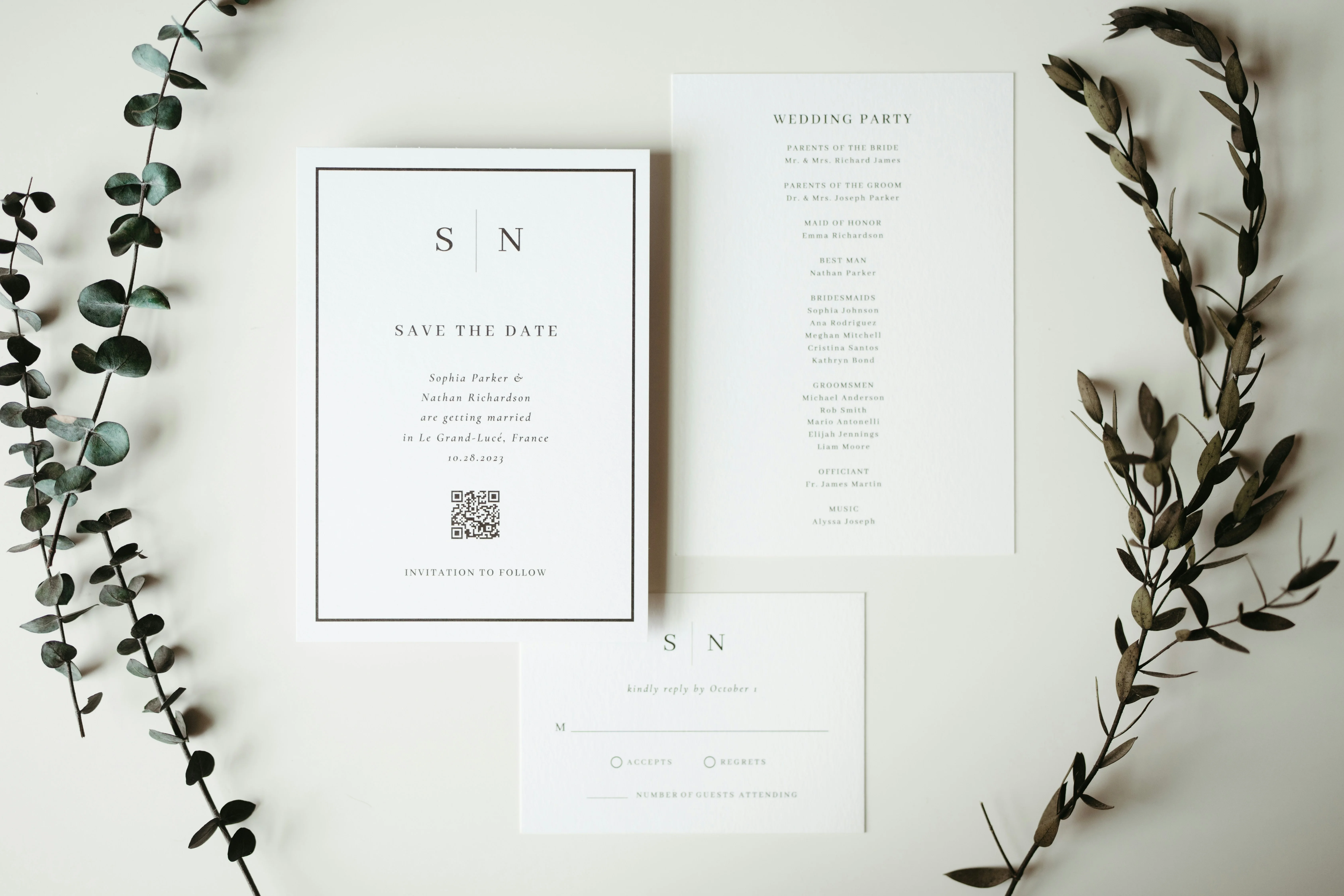
The Modern Save the Date: Collect Contacts
Discover the new way to send save the dates. Use a single link to collect guest contacts like emails and phones, saving you hours of wedding planning time.
 Wedding Planning
Manage Multiple Wedding Events in One Place
Manage multiple wedding events in one place: welcome dinner, ceremony, reception, brunch.
InvitationsMastering RSVPs With WhiteClover
Discover the art of mastering RSVPs for your wedding with WhiteClover.