
Advertisement
 Sponsored
How to use Airtable for wedding planning is a smart question if your wedding has moved beyond a checklist. Airtable sits somewhere between a spreadsheet and a lightweight database. That makes it useful for advanced couples, destination weddings, and planners who need to connect guests, vendors, payments, tasks, timelines, and decisions without building a custom system.
The catch is that Airtable can become messy quickly if you treat it like a prettier spreadsheet. The real value comes from designing one clear base, using linked records, creating views for different people, and deciding what belongs in Airtable versus what belongs in a guest-facing tool.
Think of Airtable as your planning back office. It can help you see what is booked, paid, pending, and risky. For RSVP, guest communication, websites, and the wedding-day experience, it often works best alongside a wedding-specific platform such as the WhiteClover planning hub or WhiteClover for event planners.
Plan Your Event
One platform for every occasion: weddings, baptisms, corporate events and private parties.
Why Airtable Works for Advanced Wedding Planning
Most couples start with a spreadsheet because it is familiar. That is fine at the beginning, but problems appear when the same information must be reused.
For example, your photographer is not just a vendor. They also have payment dates, contract files, arrival time, meal requirements, emergency contact details, and timeline responsibilities. In a normal spreadsheet, those details are copied across multiple tabs. In Airtable, you can keep the photographer as one vendor record and link it to tasks, payments, timeline items, and documents.
That is the core difference. Airtable is helpful when guests belong to households, vendors have contracts and deposits, budget lines connect to payments, and timeline items involve several people at once.
Pro tip: If your planning feels like "we keep copying the same names everywhere", Airtable is a good candidate. If your main pain is guest RSVP and communication, choose a wedding-specific tool first.
Start With One Wedding Planning Base
In Airtable, a base is the container for your whole planning system. For one wedding, keep everything in one base unless you are a professional planner managing several clients. Separate bases for guests, budget, and vendors usually recreate spreadsheet chaos with nicer colours.
| Airtable table | What it stores | Useful linked records | Best view |
| Guests | names, household, RSVP status, dietary needs, travel | household, table, events | grouped by household or RSVP |
| Vendors | supplier name, category, contact, contract status | payments, tasks, timeline | kanban by booking stage |
| Budget | estimated cost, confirmed cost, paid amount | vendor, payment schedule | grouped by category |
| Payments | deposit, instalment, due date, status | vendor, budget line | calendar by due date |
| Tasks | owner, deadline, priority, notes | vendor, guest group, event | kanban by status |
| Timeline | ceremony, reception, speeches, vendor arrivals | vendor, venue, task | day schedule |
| Documents | contracts, menus, invoices, permits | vendor, payment, task | gallery or list |
| Decisions | options, pros, cons, final choice | vendor, budget line | kanban by status |
Start with Vendors, Budget, Payments, Tasks, and Timeline. Add Guests only if you are comfortable managing guest data in Airtable and have a clear RSVP plan elsewhere.
Use Linked Records Instead of Copying Data
Linked records are the feature that makes Airtable worth using. They let one table refer to another table.
Here is a practical example:
- The vendor table has "Blue Hour Photography".
- The budget table has "Photography package".
- The payments table has "30% deposit" and "final balance".
- The timeline table has "photographer arrival".
- The tasks table has "send shot list".
All of those can link back to the same vendor record. When you open Blue Hour Photography, you see the contract status, unpaid balance, related tasks, and wedding-day responsibilities in one place.
For planners, this reduces client update calls. A filtered client view can show decisions, deadlines, and approved vendor information while private notes stay hidden.
Create Views for Real Planning Situations
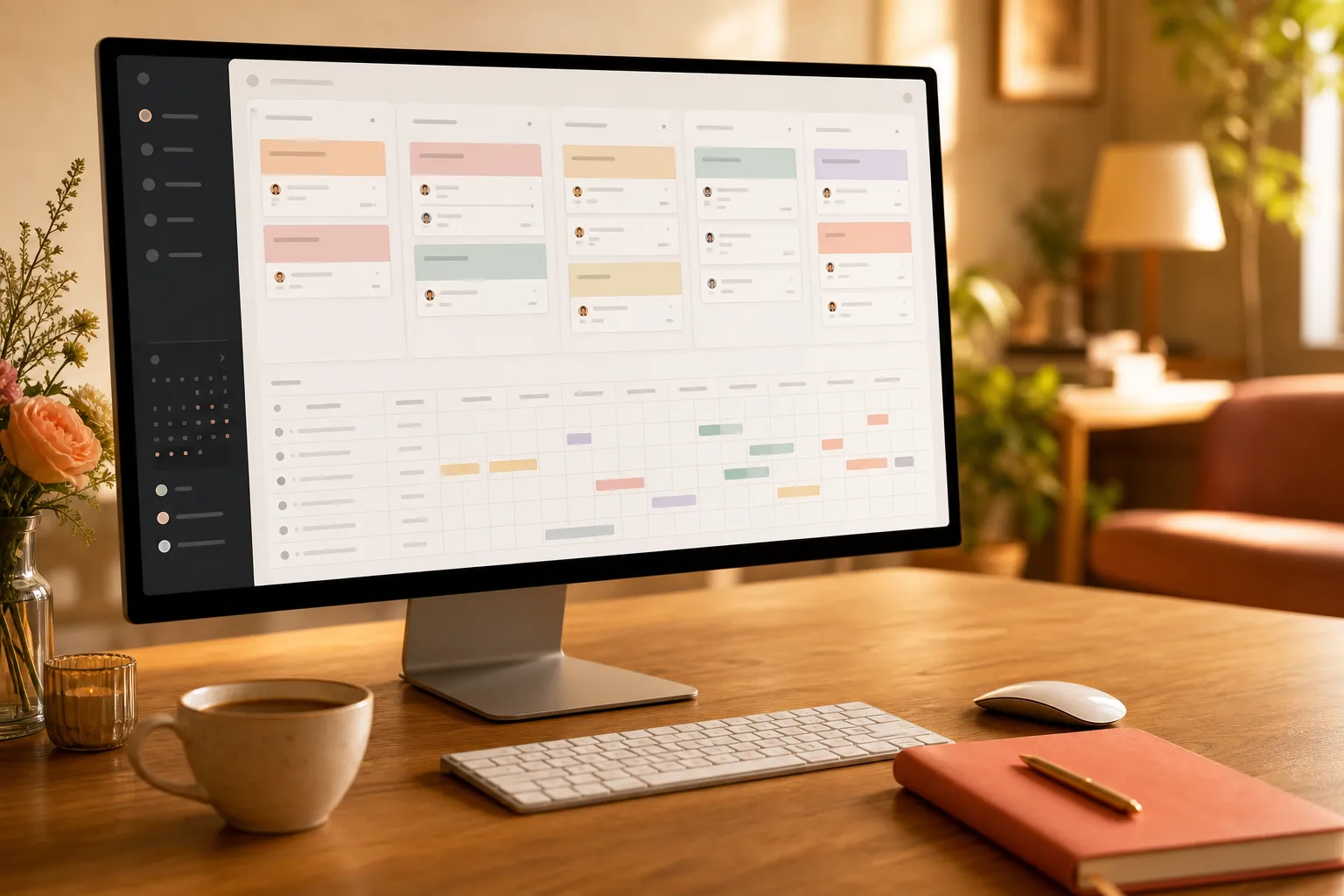
Views are saved ways of looking at the same data. You can filter, group, sort, and hide fields without changing the underlying table.
For a wedding, build views around real questions:
- This week: tasks due in the next seven days
- Needs decision: vendor options waiting for approval
- Unpaid deposits: payments due or overdue
- Wedding day: timeline sorted by time
- Vendor arrivals: only timeline items that involve suppliers
- Client view: planner-facing information with private notes hidden
- Risk list: high-priority tasks without an owner or due date
Create views that match how you work on a Sunday evening, in a vendor meeting, or during the final week.
Use Forms to Collect Information Cleanly
Airtable forms can collect information directly into a table. They are useful for vendor questionnaires, song requests, accommodation details, or collecting missing guest information from a small group.
Good form ideas include vendor onboarding, family travel details, wedding party questionnaires, and planner client intake forms.
Be careful with guest RSVP forms. Airtable can collect responses, but it will not give guests a polished wedding experience by default. Guests may need confirmation pages, language options, schedule details, map links, dietary logic, household RSVP, plus-one handling, reminders, and a simple mobile flow. For that, a dedicated wedding RSVP and guest list workflow is usually calmer.
Use Airtable forms for internal planning data and a guest-facing wedding platform for guest communication.
Permissions: Share Less Than You Think
Airtable sharing is powerful, but it needs discipline. Not everyone needs edit access.
For couples, the simplest setup is creator or editor access for the couple and planner, form links for the wedding party and vendors, and read-only filtered views for family helpers.
For professional planners, create strict boundaries. One base per client is often easier than one mega-base with many clients, especially if clients need access.
Never share a view that contains private notes, vendor negotiation details, phone numbers, or full guest information unless the recipient truly needs it.
Automations That Actually Help
Airtable automations can send reminders, update statuses, create tasks, and notify people when a record changes. The best automations are boring and reliable.
Useful automations include creating contract tasks when a vendor is marked "booked", reminding the owner seven days before a payment date, flagging overdue tasks, and notifying the planner when a vendor submits a form.
Avoid automating everything too early. If a process is still changing every week, keep it manual. Automate only after you have repeated the same step several times.
Pro tip: Name automations like a sentence: "When payment due date is 7 days away, email owner." Future you will understand it faster.
A Practical Airtable Setup for Couples and Planners
If you want an advanced but manageable setup, start here.
| Planning area | Airtable setup | Why it helps |
| Vendor shortlist | Vendors table with status: researching, contacted, proposal, booked, declined | Stops good options disappearing in chats |
| Budget control | Budget table linked to vendors and payments | Shows estimate versus confirmed cost |
| Deposit tracking | Payments table with due dates and status | Prevents missed instalments |
| Timeline | Timeline table with time, location, owner, vendor links | Creates one wedding-day source of truth |
| Decision log | Decisions table with final choice and reason | Reduces second-guessing later |
| Planner dashboard | Interface or filtered views for client-facing items | Keeps private notes separate |
| Guest handoff | Link final planning data to a guest platform | Keeps guests out of the back office |
The guest handoff matters. Airtable may know that shuttle pickup is at 16:20, but your guests need that information in a mobile-friendly place with maps, FAQs, RSVP, and updates. That is where a wedding website and planning hub becomes the front door while Airtable stays behind the scenes.
Common Mistakes to Avoid
Mistake 1: Building too much before you have real data.
Start with the tables you need this month. A beautiful empty system is still empty.
Mistake 2: Treating Airtable like Excel.
If you copy vendor names into five tables, you are missing the point. Link records instead.
Mistake 3: Giving too many people edit access.
One accidental field deletion can ruin a carefully built base. Use forms and read-only views.
Mistake 4: Mixing private planning notes with guest communication.
Guests do not need your negotiation history with the DJ. Keep Airtable internal and publish only final guest information.
Mistake 5: No naming rules.
Agree on formats like "Vendor - Deposit 1" or "Guest - Household name". Search works better when names are consistent.
Where Airtable Ends and Wedding Software Begins
Airtable is excellent for planning control. It is less ideal as the complete wedding experience.
Use Airtable for vendor research, budget, deposits, internal tasks, decision tracking, documents, and timeline drafts. Use wedding-specific software for the guest-facing website, RSVP, seating, guest updates, private photo sharing, and QR access on the wedding day.
If you are comparing platforms, our guide to choosing wedding planning software will help you decide whether Airtable should be your main workspace, a supporting tool, or unnecessary.
For planners, the strongest setup is often a hybrid: Airtable for internal operations and WhiteClover for event planners for the client and guest experience.
FAQ
Is Airtable good for wedding planning?
Yes. It works well for vendors, budgets, payments, tasks, timelines, and decision logs. It is less suitable as the only guest-facing tool for RSVP, website, and wedding-day communication.
What should I put in an Airtable wedding planning base?
Start with vendors, budget, payments, tasks, timeline, documents, and decisions. Add guests only if you have a clear privacy and RSVP plan.
Can Airtable replace a wedding planner?
No. Airtable organises information, but it does not negotiate with suppliers, judge timing risks, calm family tension, or make experienced wedding-day decisions.
Is Airtable better than Google Sheets for weddings?
Airtable is better when vendors link to payments, tasks, documents, and timeline items. Google Sheets is simpler for quick lists and basic budgets.
Should wedding guests use Airtable?
Usually, no. Guests need a simple link for RSVP, schedule, maps, FAQs, and photos. Keep Airtable for your planning team.
Final Thought
Airtable can give advanced couples and planners a calm planning back office, especially when budgets, vendors, payments, and timelines are starting to overlap. The best setup is not the most technical one. It is the one your team will actually update.
Managing a wedding can quickly become overwhelming when every decision is connected to another decision. Use Airtable to organise the work behind the scenes, then give guests and clients a simpler front door through WhiteClover.
Explore the WhiteClover planning hub if you want budget, vendors, guest communication, RSVP, and wedding-day details to live closer together. It is built for modern couples and planners who want fewer scattered tools and a clearer way to bring the day together.
Written by
Dimitris S.
Part of the WhiteClover team, helping couples and hosts plan unforgettable events with modern digital tools. Passionate about simplifying the celebration planning journey.
You Might Also Like
 Digital Tools
Best Wedding Planning Software: How to Choose
How to choose the best wedding planning software for couples and planners: evaluation framework, key features, red flags, and pro questions.
 Digital Tools
All-in-One Wedding Planning Tools Guide
The complete guide to all-in-one wedding planning tools: what they are.
 Budget & Tools
Wedding Planning Hub: Budget & Vendors
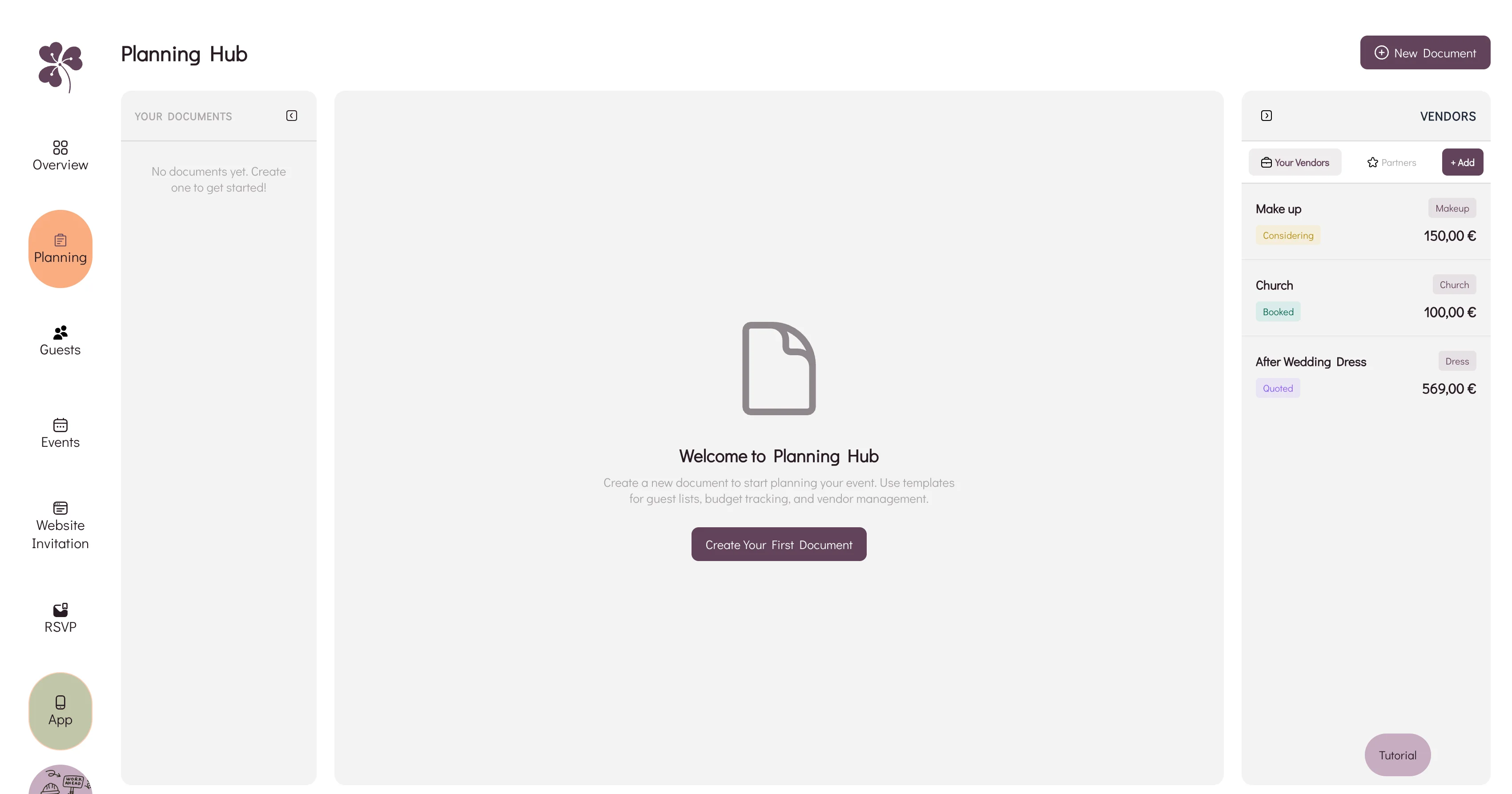
Why a spreadsheet, an inbox and a notes app stop agreeing with each other, and how WhiteClover's Planning Hub keeps budget and vendors in one view.