Advertisement
 Sponsored
The easiest way to share wedding details with guests is to use one wedding website and send a single link. Put your schedule, venue, RSVP, and photo gallery in one place so guests can find everything without texting you. Platforms like WhiteClover give you a personalised wedding site and guest app in one, so sharing details is simple and stays up to date.
If you have ever wondered how to stop guests from losing the invite or asking the same questions again and again, you are in the right place. This guide explains why one central hub beats paper, group chats, or scattered links, and how to set it up so your wedding details reach every guest easily.
Plan Your Event
One platform for every occasion: weddings, baptisms, corporate events and private parties.
Why One Link Beats Paper and Group Chats
Scattered details create confusion. Paper invites get lost; long email threads get buried; WhatsApp groups blow up with “Where’s the venue?” and “What time is the ceremony?”. The easiest way to share wedding details with guests is to give them one link that always has the latest information.
A dedicated wedding website acts as a single source of truth. Guests open one URL on their phone or laptop and see:
- Date, time, and venue: with maps and directions
- Schedule: ceremony, cocktail hour, dinner, so everyone knows the timeline
- RSVP: so they can confirm attendance in one tap
- Dress code and practical info: parking, accommodation, registry
When you change a time or add a rain plan, you update the site once and everyone sees it. No reprinting, no mass forwarding, no “did you get my last message?”.
Pro tip: Send your wedding website link with your save the date or invitation. One link in the message is enough, guests can bookmark it or add the page to their home screen.
What to Put on Your Wedding Details Page
To make sharing wedding details with guests as easy as possible, keep everything in one place and structure it clearly.
| Section | What to include | Why it helps guests |
| Event schedule | Ceremony time, cocktail hour, dinner, last shuttle | No “what time does it start?” texts |
| Venue & map | Full address, Google Maps link, parking info | Fewer “where do I park?” questions |
| RSVP | Simple form or link to confirm attendance (and plus-ones) | You get one clear headcount |
| Travel & stay | Accommodation options, area tips | Especially important for destination weddings |
| Dress code | Clear, short description | Reduces last-minute outfit stress |
| Registry | Link to your registry | Guests can find it without asking |
When all of this lives on one wedding website, guests have a single place to check, and you avoid being the help desk on the big day. For more on turning your site into a guest-facing hub, see our step-by-step wedding website guide.
How a Wedding Website Simplifies Sharing Details
A wedding website is more than a pretty page. It is your central communication channel. Instead of repeating the same details in emails, messages, and calls, you publish once and share the link.
Benefits that make it the easiest way to share wedding details with guests:
- Always up to date: Change the time or venue once; everyone sees the update.
- One link for everything: Schedule, map, RSVP, and (if you use an integrated app) photo uploads from one URL.
- Works on any device: Guests open it on their phone, tablet, or laptop; no app download required for the basics.
- Private and controlled: You choose who can see the site (e.g. only invited guests with the link or after RSVP).
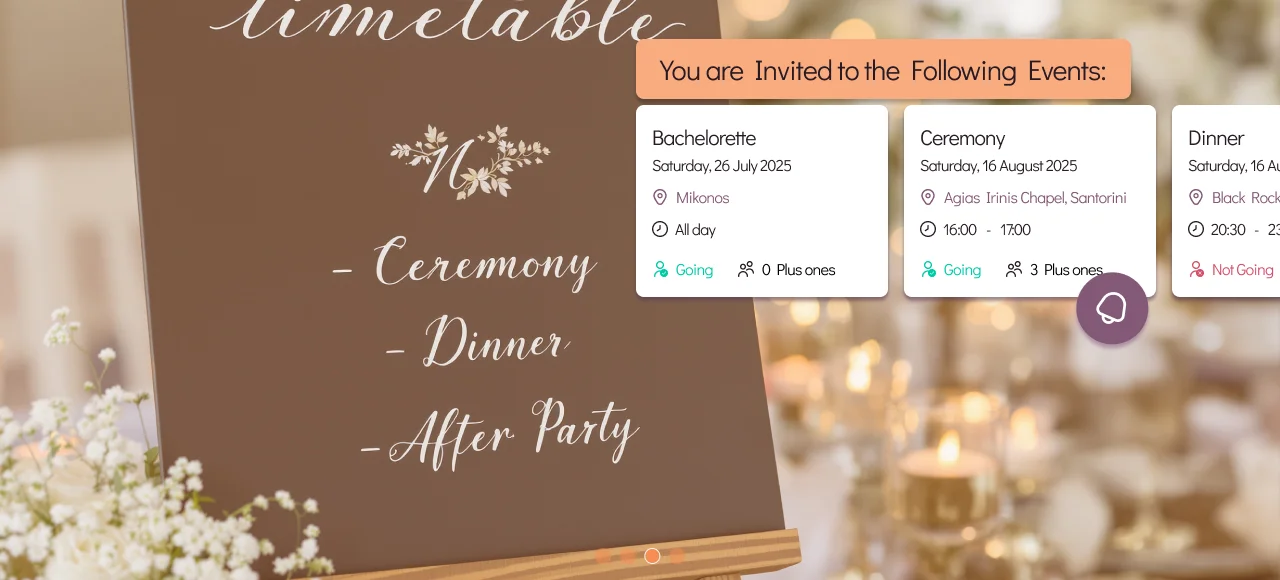
Platforms like WhiteClover combine a wedding website with a guest experience: the same link can lead guests to the schedule and to a private photo gallery, so “where are the details?” and “where do we upload photos?” are answered in one place. You can read more about the role of wedding websites for modern couples.
Stop Guests From Texting You on the Day
When details are easy to find, guests do not need to text you. The easiest way to share wedding details with guests is to put everything where they expect it, on the same site they already have bookmarked.
If the schedule, map, and practical info are all on that one link, “Where is the venue?” and “What time does dinner start?” become unnecessary. You can focus on your day; guests stay informed. For a dedicated take on avoiding the “where am I going?” texts, see how to stop your guests from texting you questions on your wedding day.
Quick Setup: Share Your Wedding Details in a Few Steps
You do not need to be technical to get this right. A good wedding-website tool lets you:
- Create your site: Pick a template, add your names, date, and a short story if you like.
- Add event details: Schedule, venue, address, map link, dress code, accommodation, registry.
- Turn on RSVP: So guests can confirm (and you get a clear list).
- Share the link: Send it with your save the date or invitation (email, WhatsApp, or SMS). One link is enough.
With WhiteClover, you get a wedding website and guest experience in one: same link for schedule, details, and (optional) photo collection. Designed for couples who want to share wedding details with guests without the chaos, your kind of story, one simple link.
Conclusion: One Link, All the Details
The easiest way to share wedding details with guests is to use a single wedding website and send one link. It replaces lost invites, buried emails, and endless “what time?” messages with one place that’s always current. When you add RSVP and (if you want) a private photo space to the same link, you keep everything in one hub, simple for guests and stress-free for you.
Managing wedding details and guest communication can feel overwhelming when you are juggling invitations, timelines, and last-minute questions. This article has shown how one central wedding website makes sharing details straightforward and keeps guests informed without extra work. WhiteClover is built for exactly that: a wedding website and guest experience in one place, so you can share your schedule, venue, RSVP, and photos through a single link. Designed for modern couples who want their wedding details in one spot and their guests in the loop. Start your wedding website today at WhiteClover or open your dashboard to get started, and share your wedding details the easy way.
Frequently Asked Questions
- What is the easiest way to share wedding details with guests?
The easiest way to share wedding details with guests is to use one wedding website and send a single link. Put your schedule, venue, RSVP, and any photo gallery on that site so guests can find everything in one place. Platforms like WhiteClover offer a wedding website and guest experience in one, so one link covers details and optional photo sharing.
- Why use a wedding website instead of email or paper invites?
A wedding website is always up to date: you change the time or venue once and everyone sees it. Email threads get buried and paper can’t be updated. One link also keeps schedule, map, RSVP, and practical info together, so guests don’t have to ask you repeatedly.
- Do guests need to download an app to see wedding details?
No. A wedding website works in the browser on any device. You send one link; guests open it on their phone or laptop. Some platforms (like WhiteClover) add an optional guest experience for things like photo uploads from the same link, still without a separate app download for viewing details.
- When should I send my wedding website link to guests?
Send the link with your save the date or invitation: by email, WhatsApp, or SMS. One link is enough; guests can bookmark it or add the page to their home screen so they always have access to the latest details.
- How do I stop guests from texting me for directions and times on the wedding day?
Put everything on one wedding website: schedule, venue, map link, and practical info. Share that single link early and remind guests it has all the details. When the information is easy to find, they’re less likely to text you on the day.
Recommended
Written by
Marios P.
Part of the WhiteClover team, helping couples and hosts plan unforgettable events with modern digital tools. Passionate about simplifying the celebration planning journey.
You Might Also Like
 Digital Tools
Wedding Website Guide Step-by-Step
Discover a step by step wedding website guide covering setup, guest management, photo collection.
 Guest Experience
Stop Guest Texts on Your Wedding Day
Put the parking address, the timeline and the map where guests will actually look, so your morning is not spent answering "where do I park?" texts.
 Invitations
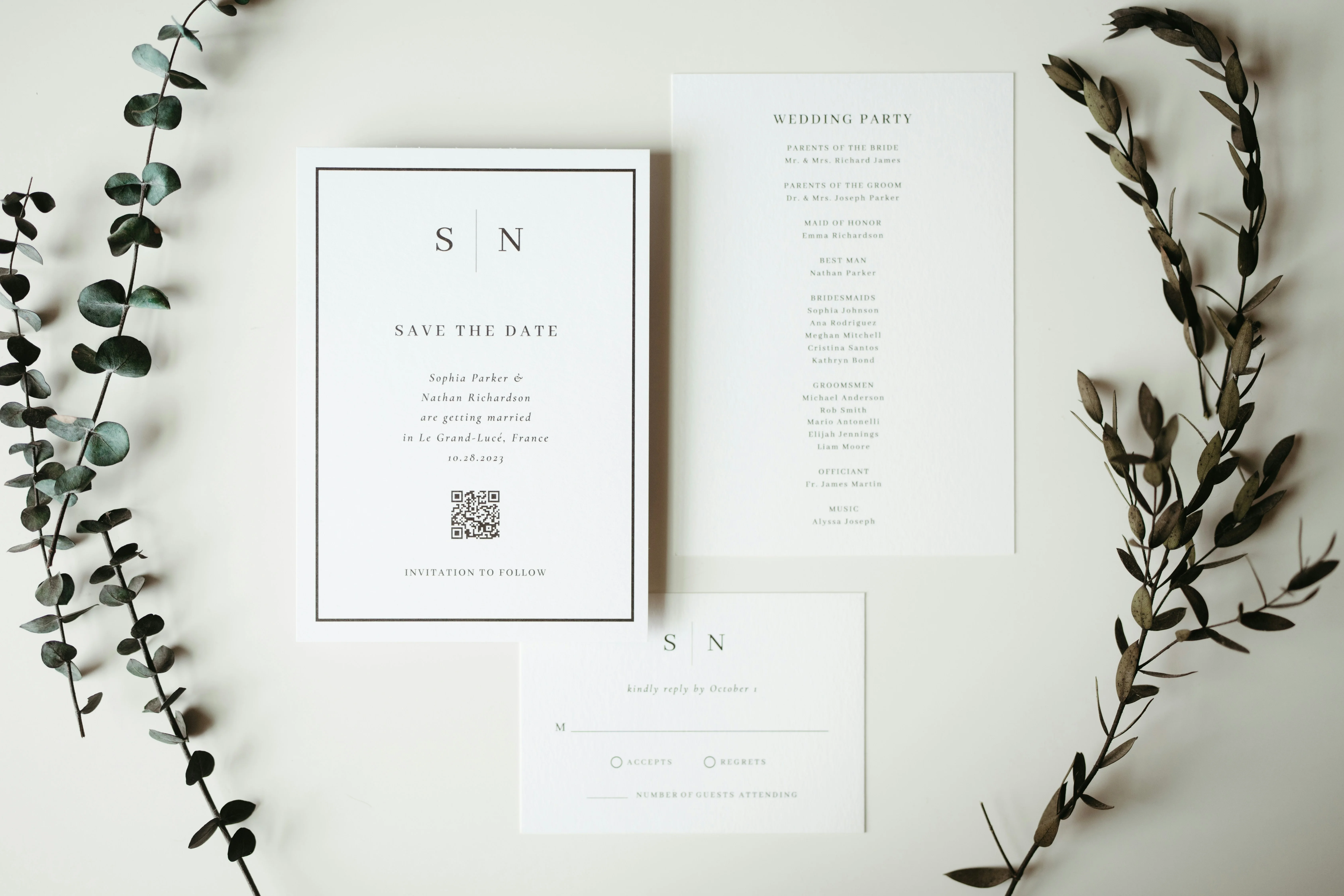
The Modern Save the Date: Collect Contacts
Discover the new way to send save the dates. Use a single link to collect guest contacts like emails and phones, saving you hours of wedding planning time.