Advertisement
 Sponsored
An interactive wedding timeline turns your day's running order into something guests actually take part in, rather than a folded card they glance at once and forget. Instead of simply telling people what happens next, it invites them to scan, tap, predict and play their way through the celebration. That small shift, from informing to involving, changes how connected your guests feel to the whole day. In this guide you'll find practical ideas, format comparisons and real lessons from couples who got it right.
TL;DR:
- An interactive wedding timeline keeps guests informed and involved by layering print and digital touches, such as QR codes and live schedules, over a clear running order. Match the format to your guest mix, pick two or three participation moments that genuinely reflect you, and keep the event order separate from the fun so nobody loses track of what happens next.
Plan Your Event
One platform for every occasion: weddings, baptisms, corporate events and private parties.
What makes a timeline "interactive"?
A standard order of service does one job: it lists what happens and when. An interactive wedding timeline does that too, but it also gives guests something to do with the information. It might be a printed magazine they read between the ceremony and the meal, a QR code that opens a live schedule on their phone, or a prediction card they fill in and hand back. The running order is still the backbone. The interactivity is what makes people lean in.
The point is not to pile on gimmicks. The best interactive timelines feel personal, not performative. A crossword full of your inside jokes lands very differently from a generic puzzle pulled off a template site. Keep that distinction in mind as you work through the ideas below.
1. Magazine-style printed programmes
Printed programmes designed as keepsake magazines are one of the most tactile formats you can offer. Some couples run them to 16 pages, weaving puzzles, photo spreads and "predict the future" pages around the ceremony order. Guests pick them up at their seats and, instead of putting them down after 30 seconds, keep flicking through them all evening. This works especially well when the ceremony runs 30 to 60 minutes and early arrivals need something to do.
The content can go well beyond a crossword:
- A short "how we met" story on the inside cover
- A matching game pairing guests with fun facts about the two of you
- A "predict the first dance song" competition
- A word search using names and places that mean something to you
- An illustrated mini-timeline of your relationship
Pro tip: Design the programme so the event order sits on one clean page, separate from the games. Guests should never have to hunt for what happens next.
2. QR codes that open hidden content
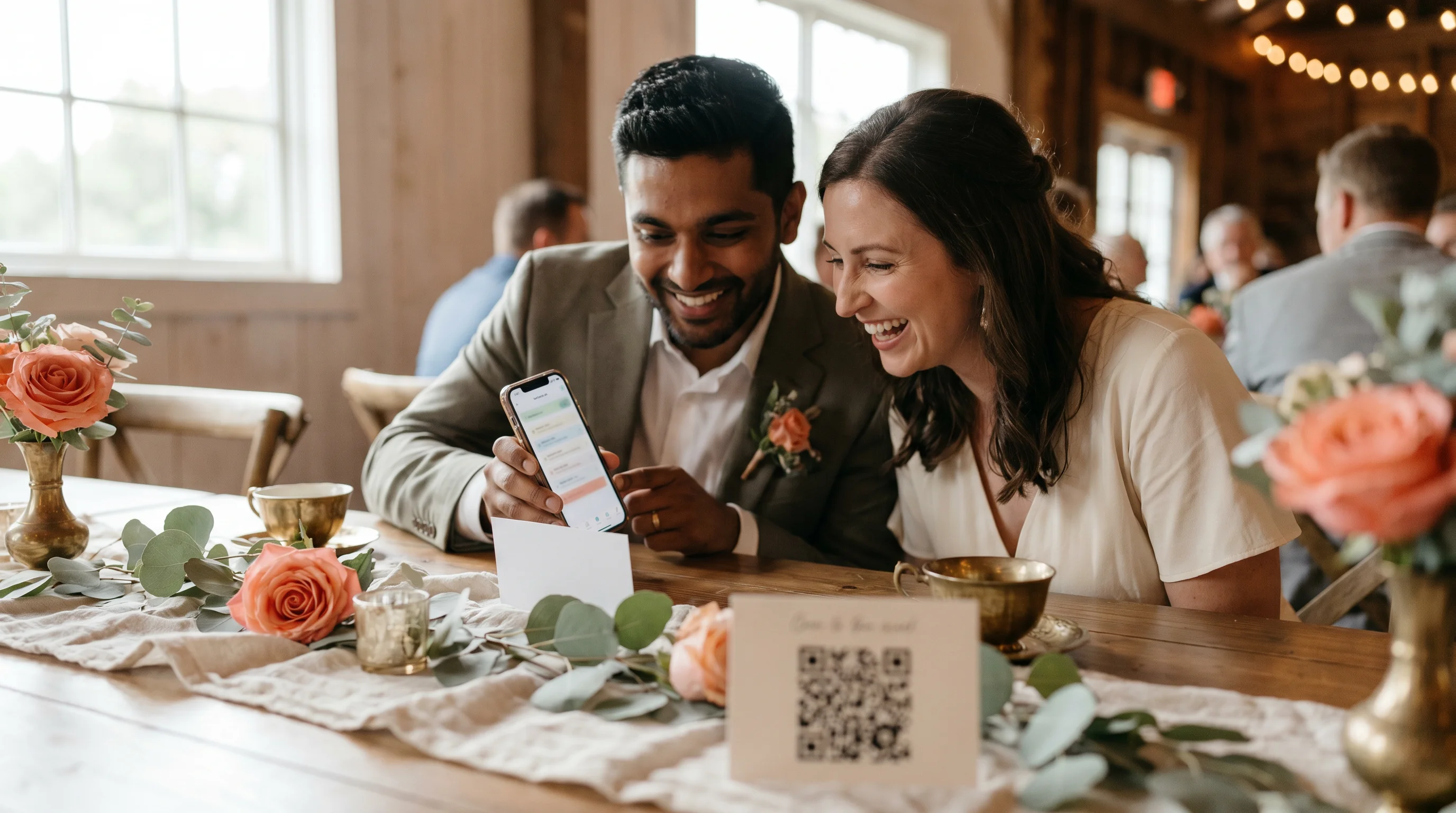
QR codes give you a digital layer without cluttering the printed design. A single scan can open a welcome video, a photo gallery, the evening menu or a live schedule that updates if timings slip. This is a real help for destination weddings or large guest lists, where not everyone knows you both equally well.
Use each code for one clear purpose. Put a code on the back of the printed programme that links to a short welcome message from you. Add a second on the table card that opens the seating plan. The result is a layered day where curious guests can find more, and those who prefer paper are never overwhelmed.
This is also where a tool like WhiteClover earns its place. Our Experience App gives every guest QR-code access to a live schedule, venue details and an add-to-calendar button, all from one link on their phone. You can switch on anonymous QR login so guests get in without creating an account, and you decide exactly what they see and when. If the ceremony shifts by 20 minutes because the photographer is running late, you update it once and everyone with the link sees the change straight away.
Pro tip: Test every QR code on at least three devices across two operating systems before the day. A broken link at the ceremony is far more disruptive than a missing one.
3. A wedding website as a living timeline
A custom wedding website acts as the digital home where your timeline lives, updates and grows in the weeks before the day. With digital wedding planning tools, you can publish the full schedule, collect RSVPs and share venue details in one place, then keep refining it as plans firm up.
The advantage over print is real-time flexibility. You can also tailor what different groups see, showing the bridal party an earlier call time than the general guest list. That level of personalisation simply isn't possible with paper alone. Print is a keepsake; the website is the source of truth.
4. Interactive seating charts and table moments
An interactive seating chart goes beyond a board at the venue door. Linked from a QR code, a digital chart lets guests search their name, find their table and read a short note from you, which clears the bottleneck of everyone crowding one display. It is a small touch that guests notice and remember.
At the table itself, you can push the interaction further. Place a card at each setting with a prompt tied to the table theme, such as a travel destination or a shared memory, and ask guests to write an answer and drop it in a central bowl. You collect these during the reception and read a few aloud. It costs almost nothing and reliably produces genuine laughter.
5. Structure your timeline for flow and clarity
The structure of your wedding itinerary decides whether guests feel relaxed and informed or confused and anxious. A well-paced timeline breathes: it alternates dense, attention-heavy sections with open, social ones so people can absorb the day comfortably.
A practical running order looks like this:
- Welcome and pre-ceremony (arrival, seating, music)
- Ceremony order, naming key participants and their roles
- Cultural or symbolic explanations for any rituals guests may not recognise
- Cocktail hour with location, timing and activities
- Reception programme covering dinner, speeches and first dances
- Evening entertainment with band or DJ set times
- Close of the evening with transport and farewell details
Give each section a clear visual hierarchy. Bold headings for the key moments, lighter text for supporting detail. Allow longer blocks for speeches and dances, and always pad in buffer time for the overruns that genuinely will happen.
6. Which format suits your wedding?
The right choice depends on your budget, your guest mix and the atmosphere you want. Here is how the three common approaches compare.
| Format | Best for | Key benefit | Main limitation |
| Printed magazine programme | All guest ages, formal venues | Tangible keepsake, no tech needed | Higher print cost, no live updates |
| Digital wedding website | Tech-comfortable guests, destination weddings | Live updates, multimedia content | Needs a smartphone |
| QR code hybrid | Mixed guest demographics | Combines print and digital strengths | Codes must be tested carefully |
For most weddings with a wide age range, a hybrid wins. Older relatives get a physical programme they can hold; younger guests scan a code for the extras. Nobody feels left out, and you keep the warmth of print alongside the flexibility of digital.

7. Practical tips for designing and rolling it out
Execution matters as much as the idea. Games and event order can sit happily side by side, but only if the design keeps them clearly apart. Here is what couples and planners consistently recommend:
- Start content planning at least eight weeks out to allow for revisions and print lead times
- Print 10 to 15 per cent more copies than your guest count for last-minute additions and keepsake requests
- Put a programme on every seat rather than relying on guests to grab one at the door
- Share the timeline with all vendors at least two weeks ahead so everyone works from the same schedule
- Build in vendor setup time of two to three hours before guests arrive, and one to one and a half hours for cleanup
- Add a short call to action, such as "Scan to leave us a voice message" or "Write your prediction and hand it to the usher"
Calls to action are what turn passive attendees into active participants. A simple guest-interaction prompt like "Tell us your favourite memory of us" on a tear-off card creates a real moment of connection, and it costs you nothing but a line of text.
A planner's honest take
I have worked with hundreds of couples, and the question I hear most is: "Do guests actually engage with this stuff?" The honest answer is yes, but only when it feels personal. The couples who pull it off are rarely the ones who spend the most. They are the ones who pick two or three participation moments that genuinely reflect their relationship and build the timeline around those.
The real challenge is time. An interactive timeline needs earlier decisions and more coordination than a plain order of service. But the payoff is a programme that guests photograph, take home and bring up two years later at a dinner party. That does not happen with a folded A5 sheet. My advice: resist the urge to make everything interactive. Choose the moments that matter, do them well, and let the rest of the timeline do its job clearly and simply.
Plan your interactive timeline with WhiteClover
WhiteClover gives you one space to build, share and update your wedding website and timeline. Publish the full schedule, collect RSVPs, manage your guest list and share photos through the Experience App, all without juggling separate tools. Guests reach everything from a single QR-code link on their phone, and you stay in control of what they see and when.
It also handles the part most couples forget until the day itself: capturing it. With guest photo and video collection, "Photos of You" face detection and a private social feed, every shot lands in one organised gallery you can later export as a PDF, flipbook or video. Ready to give your guests a timeline they take part in? Set up your account at app.whiteclover.io and start building.
FAQ
What is an interactive wedding timeline?
It is an event schedule that pairs the day's essential running order with participation elements, such as games, QR codes or personalised prompts. It works as both a practical guide and a storytelling tool that connects guests to your story.
How long should a wedding timeline be?
A typical day covers a 30-to-60-minute ceremony followed by a four-to-five-hour reception. Your timeline document should mirror that with clear sections for each phase, from arrival to farewell.
When should I start creating my wedding timeline?
Begin at least eight weeks out to allow for design, printing and vendor coordination. A digital timeline on a platform like WhiteClover can be updated at any point, but lock the core structure well in advance.
Do I need both a printed and a digital timeline?
A hybrid suits most weddings because it accommodates every age and comfort level. Printed programmes work as keepsakes, while a digital version, managed through a wedding planning platform, lets you make live updates if the schedule changes on the day.
How do I keep it engaging without overcomplicating it?
Choose two or three interactive elements that reflect you, such as a prediction card, a QR code video or a short quiz, and fold them into a clean, clearly structured schedule. Balancing the fun with a functional running order keeps guests entertained without anyone losing track of what happens next.
Recommended
Written by
Konstantinos P.
Part of the WhiteClover team, helping couples and hosts plan unforgettable events with modern digital tools. Passionate about simplifying the celebration planning journey.
You Might Also Like
 Wedding Planning
Best Way to Manage Your Wedding Timeline
Learn a practical wedding timeline system with smart buffers, clear owners, and communication checkpoints so your day runs calmly and on time.
 Wedding Planning
How to plan wedding timeline for seamless celebrations
Discover how to plan wedding timeline step by step, ensuring a smooth wedding day schedule from preparation to flawless execution and happy memories.
 Guest Experience
Guest Interaction in Wedding Planning
Learn how guest interaction transforms wedding planning, from digital invitations to seamless RSVPs, eco-friendly solutions and memory sharing tools.