Advertisement
 Sponsored
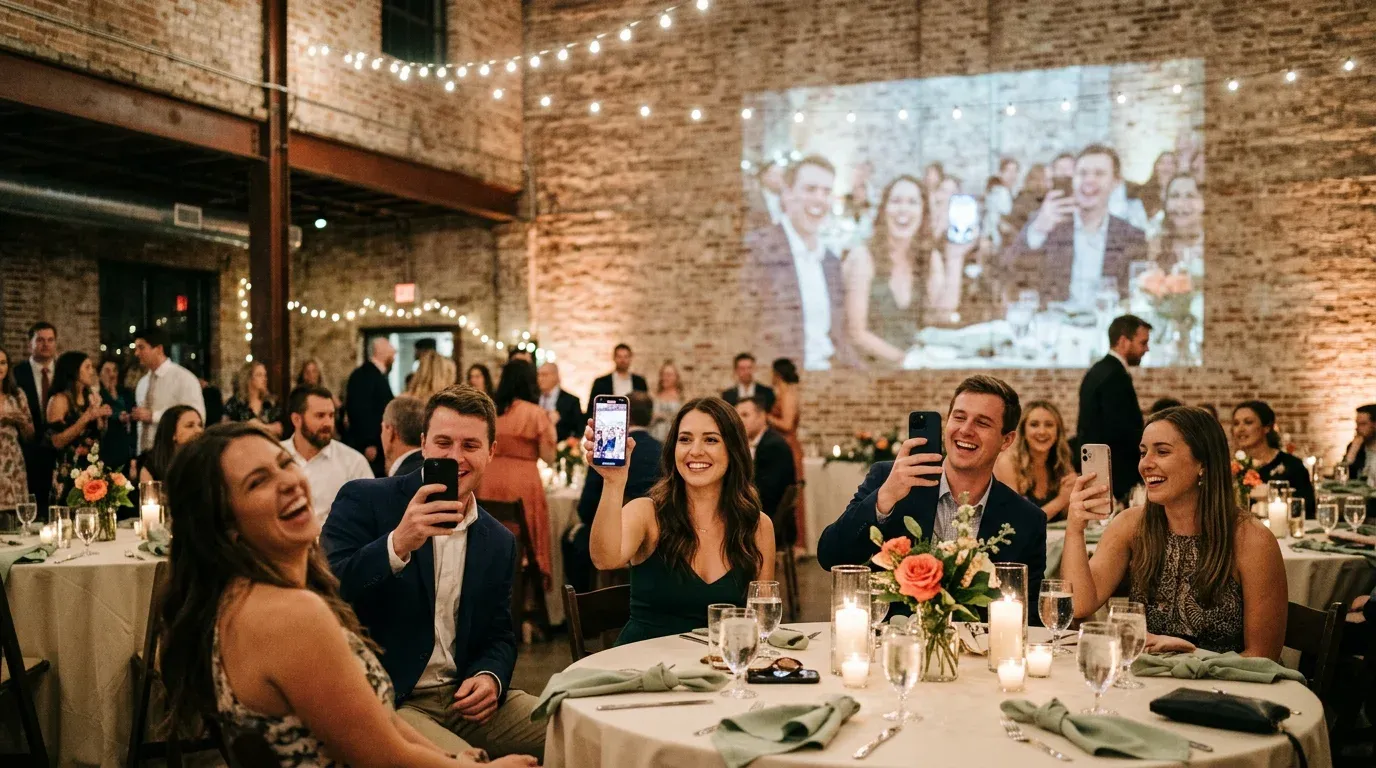
A live photo wall puts your guests' photos on a big screen at the reception, a few moments after they take them. Someone snaps the first dance from the back of the room, and a minute later the whole room is watching it on the wall. It's one of the simplest ways to get guests to share photos, because they can see where the photos go.
This guide covers what a live photo wall costs, what the venue needs, and the one thing that decides whether it's a highlight or a worry: who decides what goes on the screen.
TL;DR:
- A live photo wall needs three things: something to show it on, a laptop with a browser, and an internet connection.
- The screen can be the biggest cost. Some venues already have a projector or a TV, so ask first. If not, one UK hire company lists a projector and screen for £80.
- Guests send photos by scanning a QR code. Nobody should need to install an app.
- Make sure nothing reaches the screen until you've approved it, and that you can stop the wall from your phone.
- WhiteClover's Live Wall is set up by hand for each wedding, on request. Ask us and we'll tell you the cost for your date before you commit.
Plan Your Event
One platform for every occasion: weddings, baptisms, corporate events and private parties.
How a live photo wall works
The idea is the same whichever service you use:
- A laptop at the venue opens the wall, a web page, and shows it on a projector or TV.
- A QR code sits on the screen or on the tables. Guests scan it with their phone camera and send a photo.
- The photo waits until it's approved, then appears on the screen.
- Afterwards, all the photos are kept, so you can download them or make an album.
The details that separate a good wall from a stressful one are in steps 2 and 3: how easy it is for guests to send, and how much control you have over what shows.
What a live photo wall costs
There are two costs: the screen, and the wall itself.
The screen
Ask your venue first. Some have a projector and a drop-down screen, or a large TV in the bar, and include it in the hire. If they don't, you'll be hiring one. Prices from UK hire companies give a rough idea:
| Item | Example price | Source |
| Projector only | £45 | True Sound Hire, Surrey |
| Projector screen only | £40 | True Sound Hire, Surrey |
| Projector and screen | £80 | True Sound Hire, Surrey |
| 55 inch TV | £50 | True Sound Hire, Surrey |
| HD projector and 90 inch screen | from £125 | Midlands Premier Events |
| Projector rental, general range | £100 to over £500 a day | AV Productions |
Prices are from each company's own website, checked in October 2026. They vary by region, brightness, delivery and setup, so get a quote for your date. A bright room or a big wall needs a brighter projector, which costs more.
The wall
Pricing differs between services, so compare like with like. Check whether the price includes approving photos before they show, how many guests can send, and whether you keep every photo afterwards.
WhiteClover's Live Wall is available on request and isn't on our public price list. Each wall is set up by hand for one wedding, so the cost depends on your date and what the venue already has. Tell us both and we'll give you the number before you commit to anything. Everything else on WhiteClover that is free, like the guest photo gallery, stays free.
What the venue needs
The list is short:
- A screen: a projector and screen, or a large TV.
- A laptop with a web browser, plugged into it. Bring the right cable, usually HDMI, and an adapter if your laptop needs one.
- An internet connection for the laptop, and decent signal or wifi for guests to send photos.
- A power socket near the laptop, so it doesn't go to sleep halfway through the evening.
Two things to check on a site visit:
- Light. A projector in a bright room in June washes out until the sun goes down. A TV is easier in daylight.
- Signal. Old barns and stone buildings can be dead spots. If guests can't get online, their photos will arrive on the way home rather than during the first dance. Ask the venue for the guest wifi details and put them on the tables.
Who decides what goes on the screen
This is the part to think about before the day. A wall full of happy photos is lovely. A blurry photo of someone's dinner, or a picture somebody wouldn't want shown to their grandmother, is not.
With WhiteClover's Live Wall:
- Nothing from a guest reaches the screen until you approve it. That's the default.
- You approve from your own phone, one at a time or several at once, without going back to the laptop.
- One control stops the whole wall. A photo already on the screen clears within about twelve seconds, and closing the wall on the laptop or switching the projector off is instant.
- Later in the evening, you can let new photos through without approving each one. That only applies from the moment you switch it.
- Photos you add yourself go straight to the screen, so you can load a few before guests arrive and the wall isn't empty at the start.
The wall has three layouts: one photo at a time, two side by side, or a grid of four. Your monogram and the QR code have their own strip down the side of the screen, so a code never sits across someone's face.
Pro tip: Ask a friend, not a parent, to do the approving for the first hour, so you can enjoy the drinks reception. Hand it back once you've sat down.
Getting guests to send photos
A wall only works if guests send to it. A few things help:
- No app. Guests point their phone camera at the QR code, the gallery opens in the browser, and they send a photo. Nothing to download, no account to make.
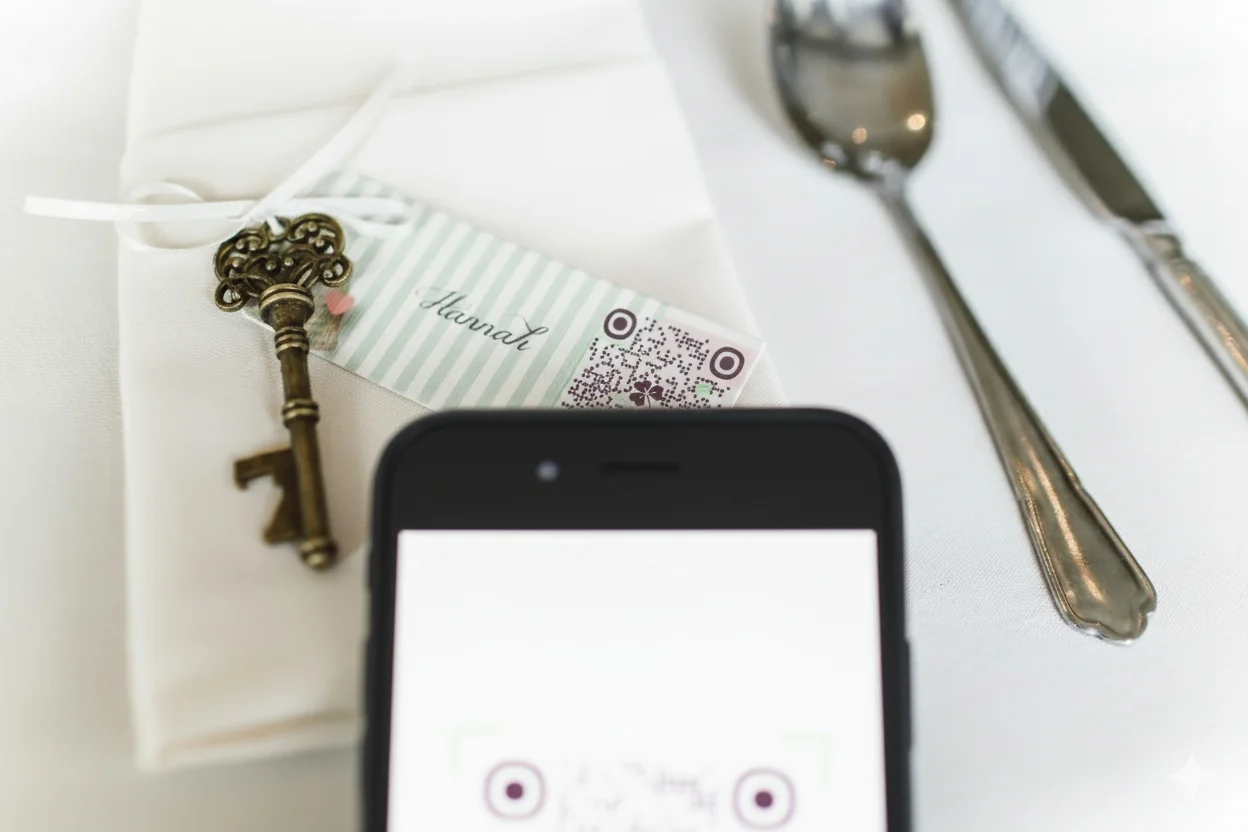
- Put the code where people are standing, not only on the screen: on the bar, the tables and the place cards.
- Start it yourself. Add a few photos from the morning or the ceremony so guests see how it works.
- Mention it once in the speeches. One sentence is enough.
After the night
The photos on the wall are your wedding gallery, not a separate place. Everything guests sent is still there the next morning to download, or to turn into an album. If you'd like printed photos on the night as well, Smart Print lets guests print from the same gallery.
Is a live photo wall worth it?
A live photo wall works best at a reception with a screen already in the room and a crowd that likes taking pictures. It's less useful at a small, quiet dinner, or a venue with no signal. Cost-wise, the screen can be the bigger line, so check what your venue has before you hire anything.
If you'd like one at your wedding, ask us about the Live Wall with your date and venue, and we'll tell you what it costs and what you need on the night.
Frequently asked questions
How much does a live photo wall cost for a wedding?
It depends on the screen and the service. Some venues have a projector or TV you can use. If not, UK hire prices we found start at £80 for a projector and screen, and run from £100 to over £500 a day for brighter equipment. WhiteClover's Live Wall is priced on request for each wedding.
What do I need for a live photo wall at a wedding?
A projector and screen or a large TV, a laptop with a browser and the right cable, an internet connection, and a power socket. Guests need phone signal or wifi to send photos.
Can guests send photos to the wall without an app?
With WhiteClover, yes. Guests scan the QR code with their phone camera, the gallery opens in the browser, and they send from there. There's nothing to install and no account to make.
Can I stop inappropriate photos appearing on the wall?
Yes. With WhiteClover, nothing from a guest reaches the screen until you approve it, and one control on your phone stops the whole wall if you need it to.
What happens to the photos after the wedding?
They stay in your wedding gallery. You can download them all or turn them into an album later.
Recommended
Written by
Dimitris S.
Part of the WhiteClover team, helping couples and hosts plan unforgettable events with modern digital tools. Passionate about simplifying the celebration planning journey.
You Might Also Like
 Digital Tools
Digital Wedding Guestbook & Experience App
Discover how WhiteClover's experience and photos app doubles as a digital guestbook.
 Digital Tools
Wedding QR Codes: Guest Access & Photo Sharing
Let guests scan a QR code straight into your photo album, with no account and no app store, then collect everything they shoot in one place.
 Guest Experience
Share Wedding Photos Privately
Share wedding photos privately without Facebook or Instagram: use a private wedding gallery so only invited guests see and upload. WhiteClover shows how.